
Download wdotech
Have AI build and edit your website, check orders and manage your site — right from an app on your computer.
Version 1.0 · 9.1 MB · macOS 14 or later · Apple silicon and Intel
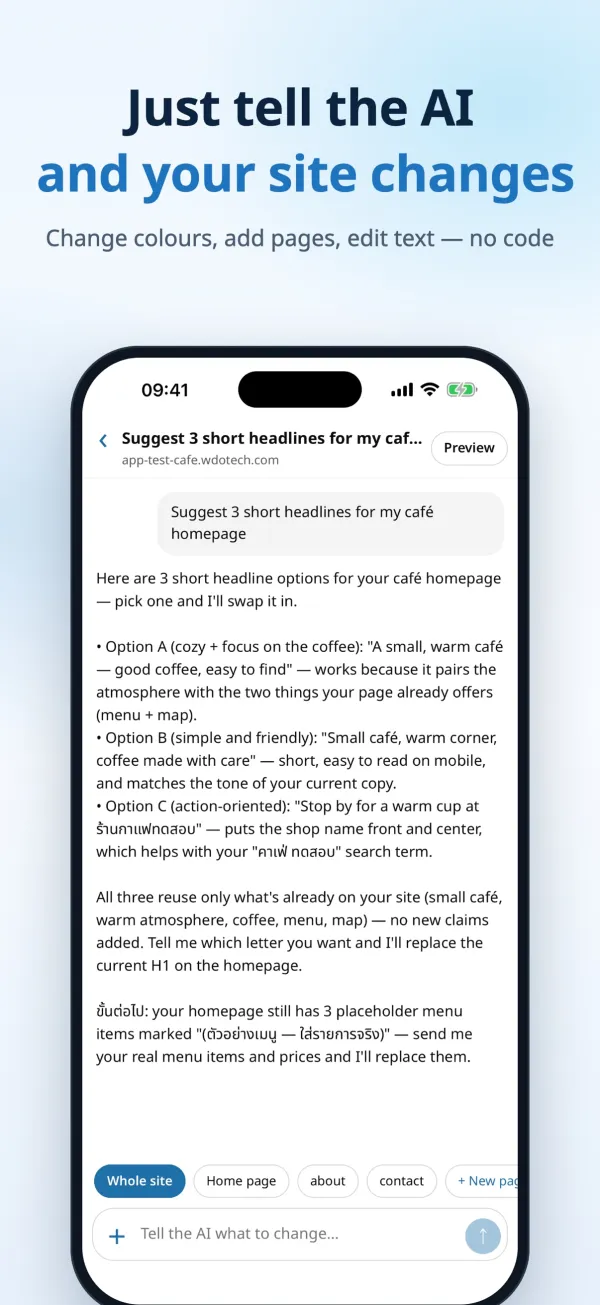
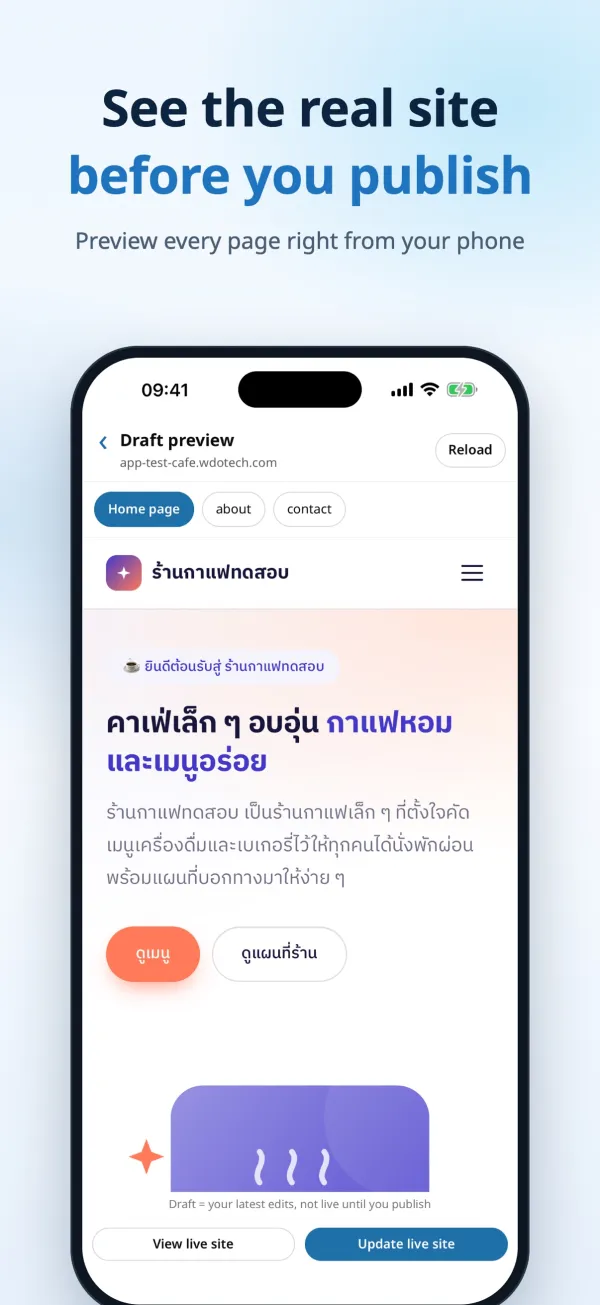
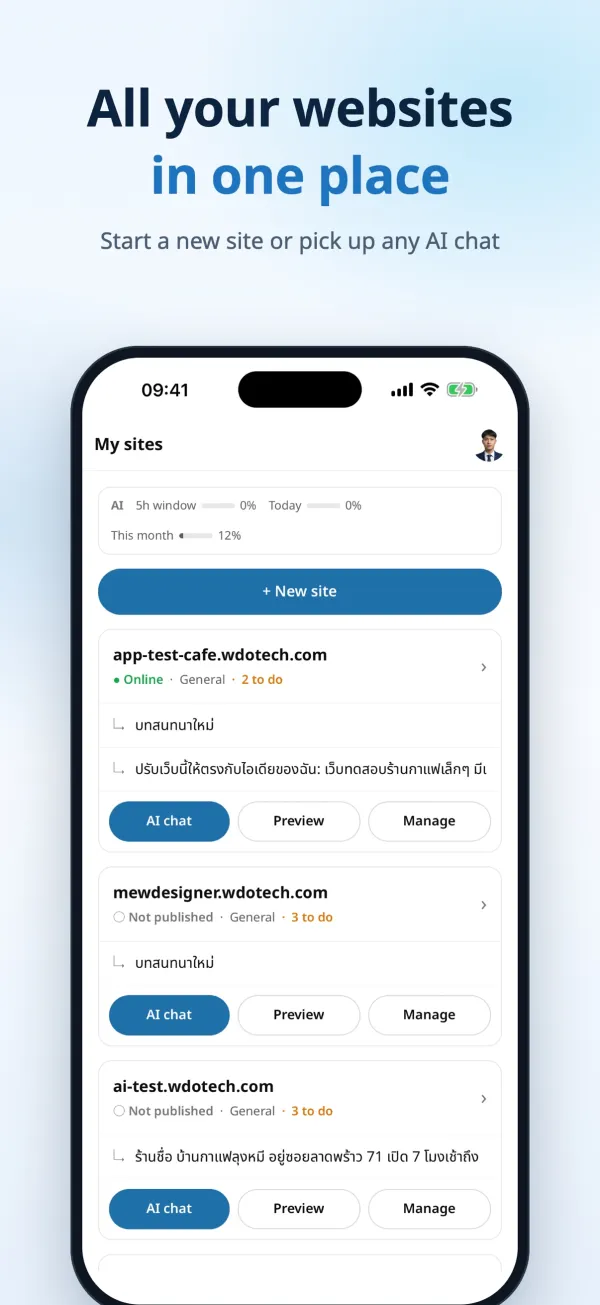
On iPhone
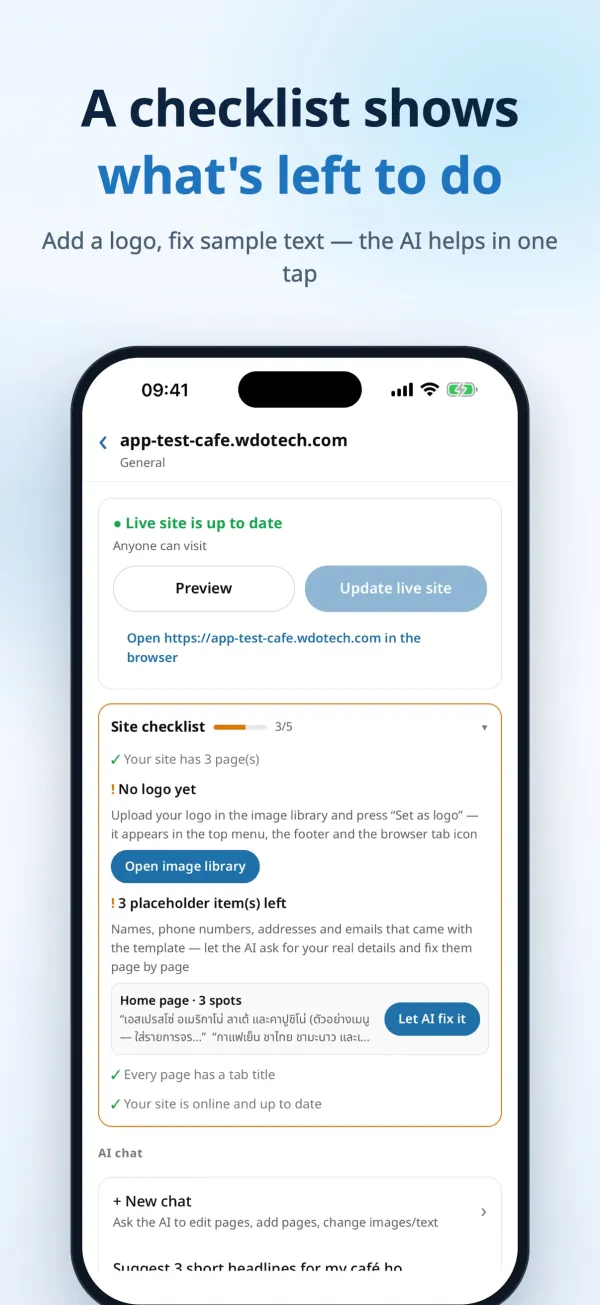
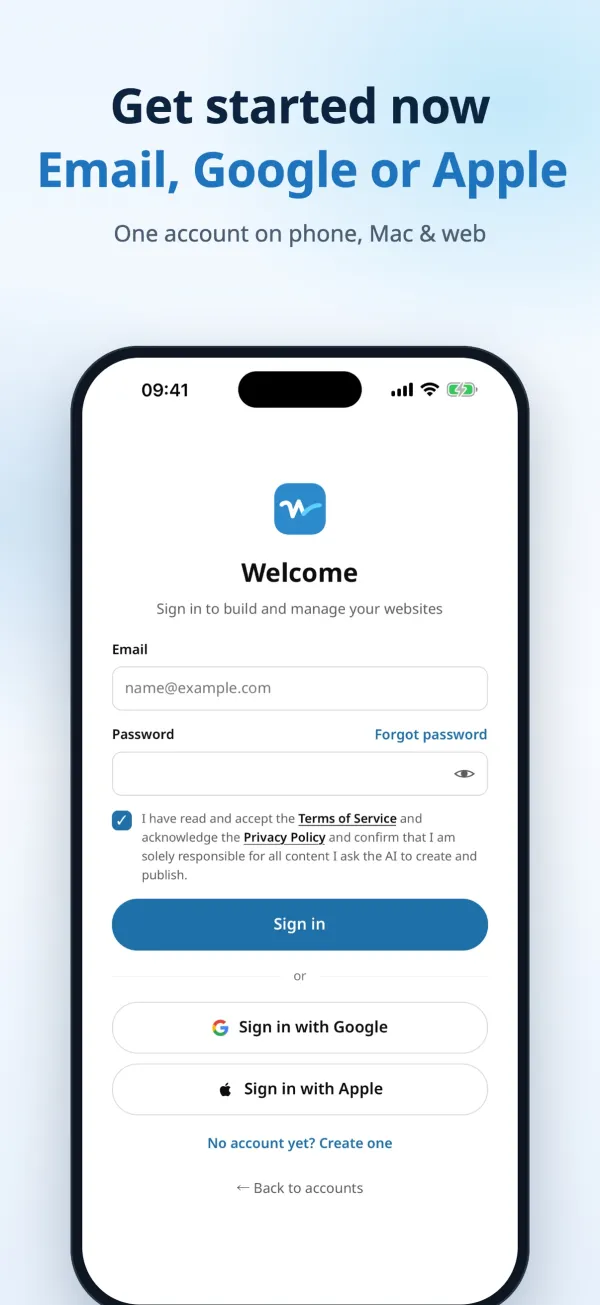
Ask AI to edit, preview and publish your site from your phone — no laptop needed.
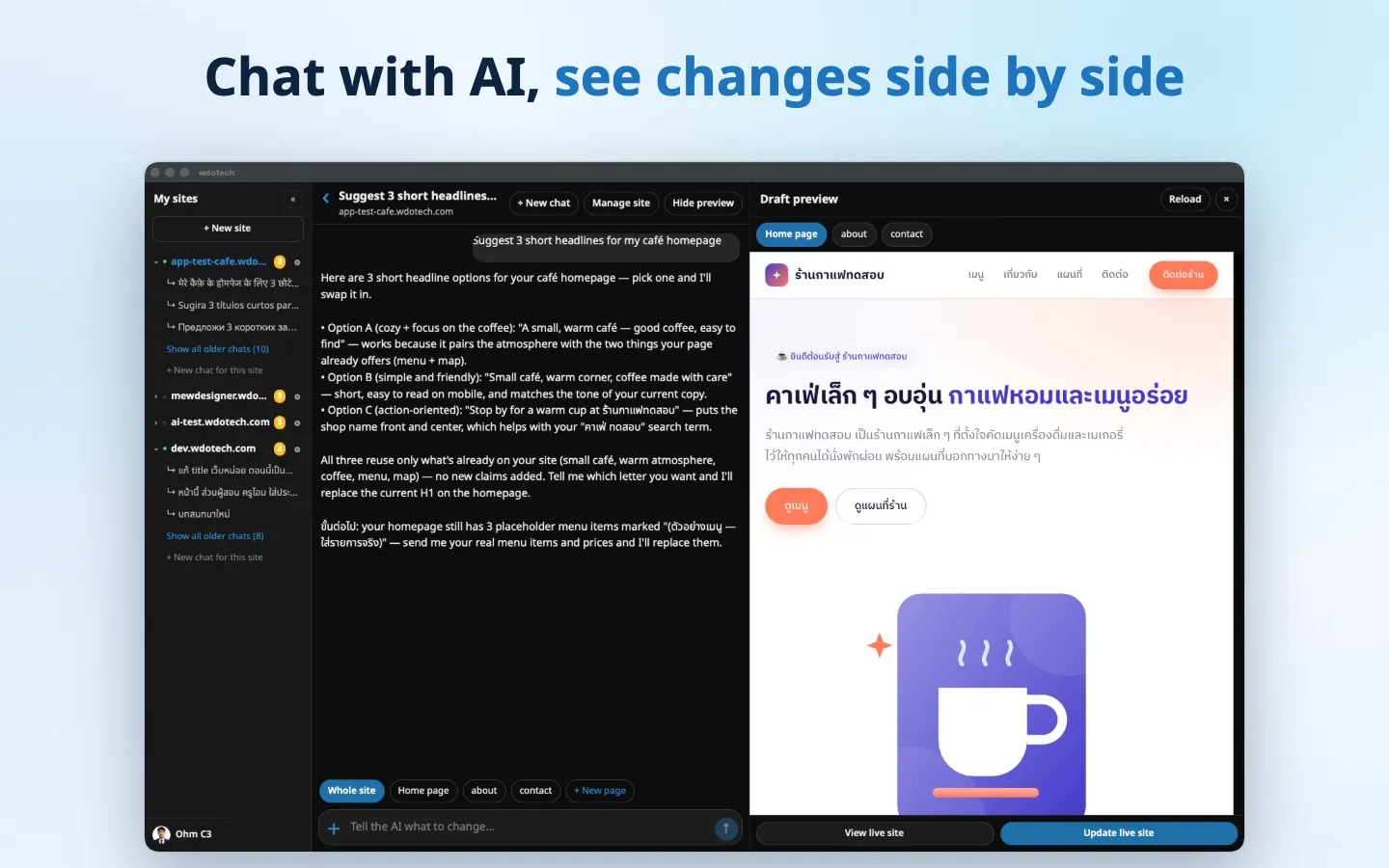
On Mac
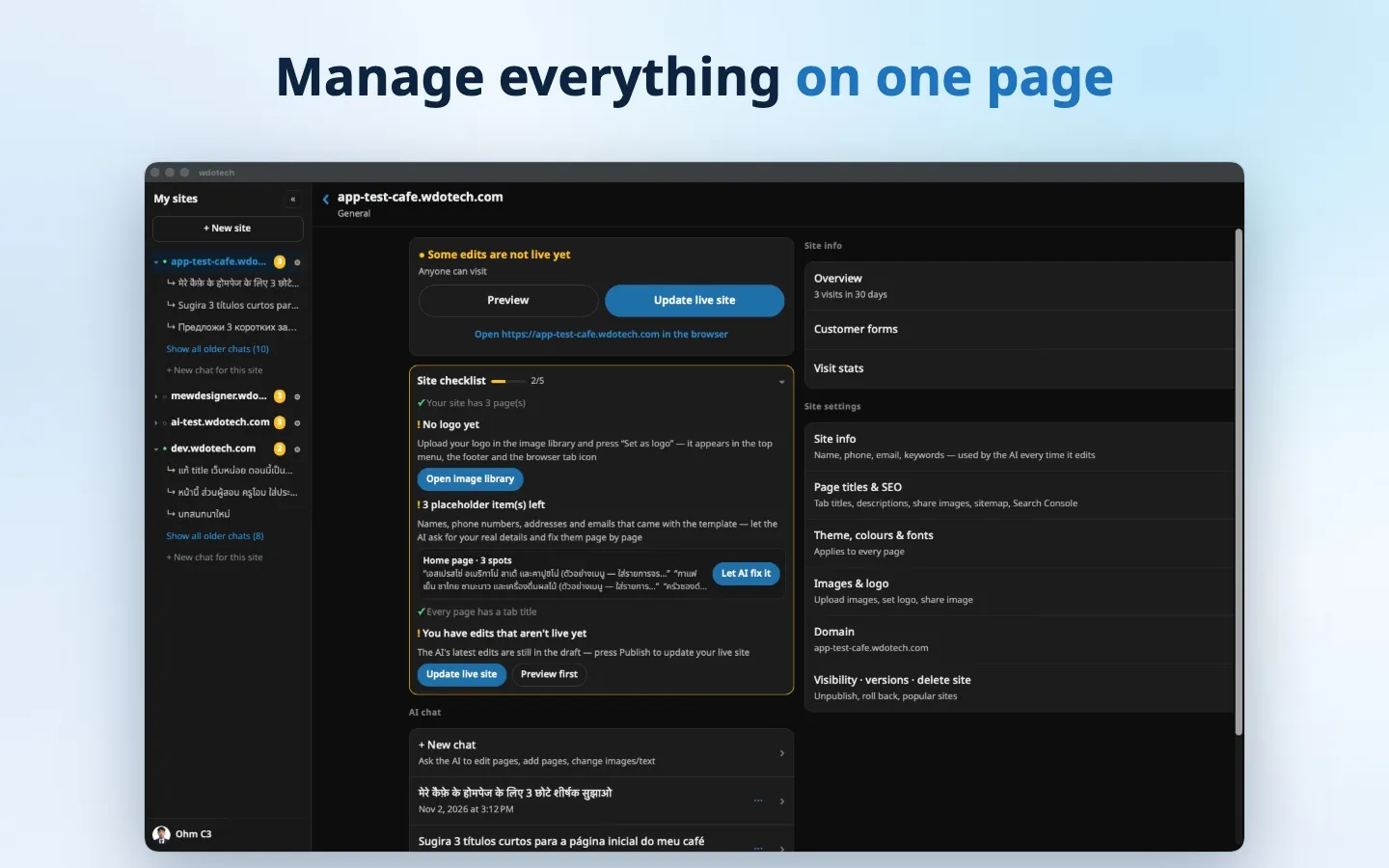
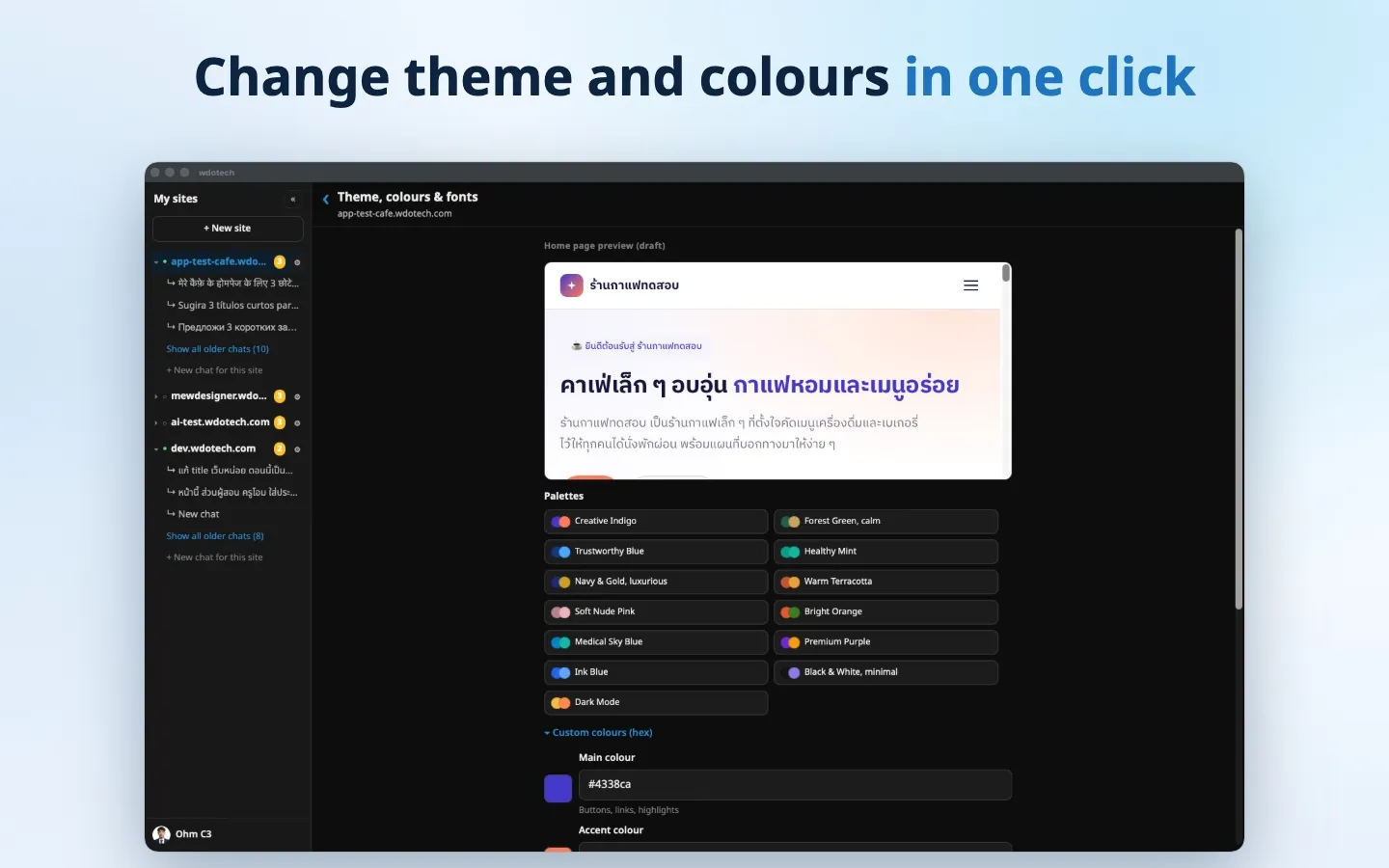
A big screen with the AI chat and your live site side by side — great for detailed edits.
Desktop
All of wdotech in one app, right in your Dock.
Mobile
Manage your site, check orders and reply to customers anywhere.
Web
Nothing to install — open it in any browser.
Open wdotech on the webInstall on Mac
- 1Open the wdotech.dmg file you downloaded
- 2Drag the wdotech icon into your Applications folder
- 3Open wdotech from Launchpad and sign in with your existing account
FAQ
Do I need a paid plan?
No. The app works on every plan, including Free.
Can I use the same account as on the web?
Yes. Your websites, AI chats, orders and data are the same on every device, on the web and in the app.
How is the Mac app different from the web?
It does everything the web version does, lives in your Dock for instant access, and lets you switch between several accounts on one Mac.
How do I update to a new version?
Download the latest file from this page and drag it over the old one in Applications — your account and data stay as they are.
Is the app safe?
The app is signed with an Apple Developer ID and notarized by Apple, so it opens without any warning.